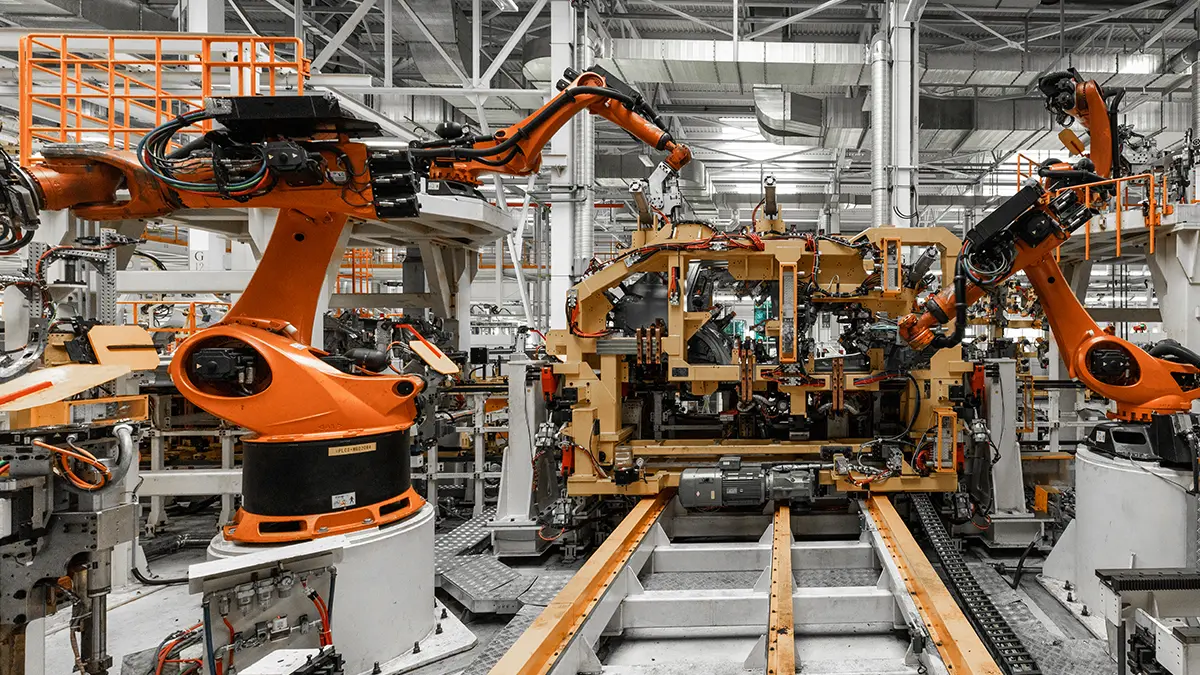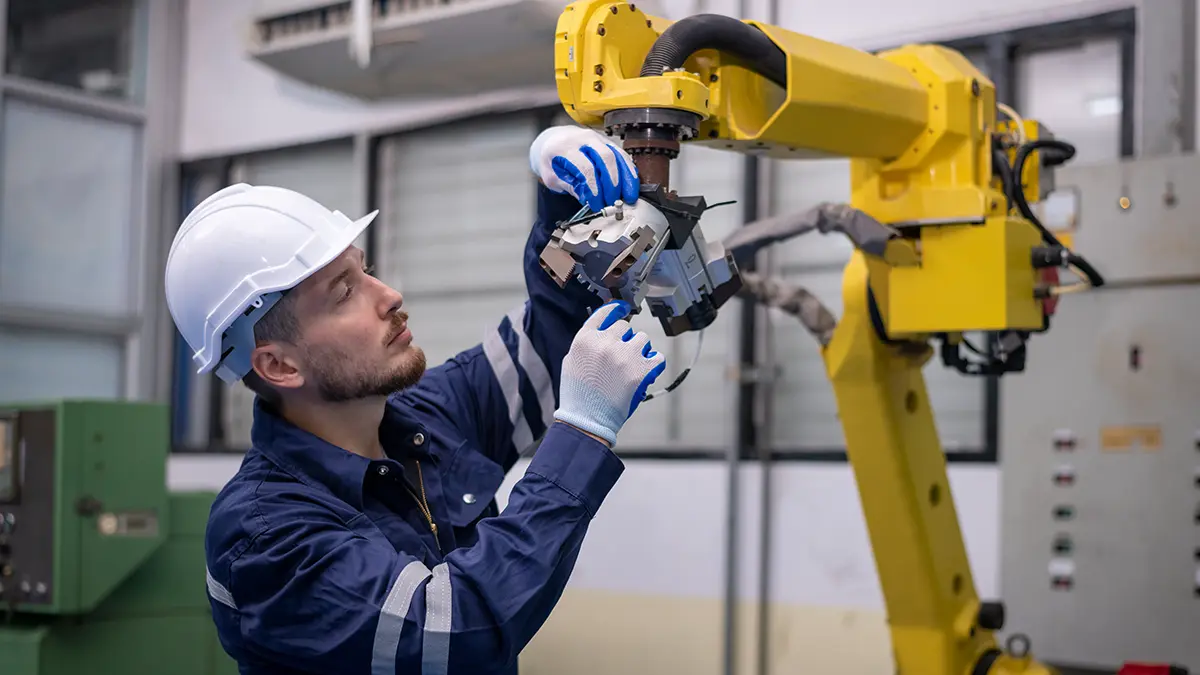

Programming robots directly on the production line costs a lot more than you think. One hour downtime for manual adjustments means between €1,000 and €10,000 lost, depending on the industry. Commissioning a new cell can take weeks.
Offline programming solves this paradox. You develop trajectories in a virtual environment. Validate the process without stopping production. Download the program to the robot only when you’re sure it works.
The benefits are documented and consistent:
- Reduce commissioning time by 50-70%
- Eliminate costly errors discovered on line
- Optimize cycle time before equipment investment
Read more about these advantages in the detailed analysis on Automate.org.
But there is a problem. Many integrators report frustrating situations. Simulations “look good on the screen, but don’t work in reality”. The cause is almost always one of five typical mistakes. We analyze them one by one.
Mistake 1: incomplete CAD models of the cell
In short: A rough 3D model produces real collisions where the simulation showed free space.
The simulation is only as good as the models it uses. If a console, cable or pipe is missing from the model, the robot will hit the obstacle on its first real run.
Why it happens
The problem arises for three common reasons:
- Oversimplified models. Fasteners and carriers are reduced to elementary blocks. Details that take up critical space are lost.
- Out of sync documentation. The cell has been modified over time. New sensors, upgrades, service interventions. The documentation hasn’t kept up.
- Approximate customized devices. Custom grips and fixturing are modeled without actual fitting tolerances.
How to prevent the problem
Invest in rigorous documentation before simulation. For old or modified cells, 3D scanning is the quick solution. You get a true state model in hours, not days.
The full methodology is described in our guide on industrial reverse engineering.
Explicitly model elements that do not appear in standard CAD. Power cables. Hoses. Auxiliary structures. Accessories added later. A complete model drastically reduces the risk of collisions.
Mistake 2: Neglecting range and singularities
In short: Robots have physical limits. Ignoring them means unreachable working points and blocked trajectories.
Every robot has a finite workload. Ambitious programmers often place working points at the limit of this volume. Or even in areas with singular configurations.
What are singularities
They occur when the robot’s axes align unfavorably. Movement in Cartesian space becomes impossible. Or it requires infinite speeds on one of the axes. Result: controller error, trajectory locked.
For 6-axis robots, there are three main types:
- Shoulder singularity – when the wrist aligns with axis 1
- Elbow singularity – when axis 3 is fully extended
- Wrist singularity – when axes 4 and 6 become collinear
The Chalmers University of Technology literature deals with these configurations in detail.
How to prevent the problem
Do the range analysis at the concept stage. Not at the end. Professional simulation software (DELMIA, RoboDK, Process Simulate) automatically highlights problem areas.
Rule of thumb: do not place any critical point more than 85% of its nominal radius.
For trajectories crossing singularities, you have three options:
- Reorient the part towards the robot
- Change the position of the robot base
- Add an external axis (rotary table or linear guide)
The last option extends useful workspace. It is the most elegant solution for complex applications. But it increases the initial cost.
Range validation prior to installation avoids a common situation: the cell installed but unable to cover all working points. This is exactly the kind of problem we solve with our process simulation and validation services.
Mistake 3: underestimating the actual cycle time
In short: The simulation says 12 seconds. Reality says 18. A miscalculation jeopardizes the entire investment.
A 50% difference between simulation and reality is not unusual. It compromises the economic justification of any automation project. Investment calculated on optimistic figures no longer makes sense.
Where the errors come from
The sources are multiple and cumulative:
- Theoretical speeds, not real. The simulation uses maximum values. In continuous operation, robots slow down in sensitive areas and near setpoints.
- I/O times ignored. Confirmation between robot and PLC can add 100-200 ms per cycle. At 1000 cycles per shift, the difference becomes substantial.
- Imperfectly modeled motion merging. The real controller uses different algorithms than the simulator. The result can be more or sometimes less time.
How to prevent the problem
Use realistic parameters:
- Speeds at 80-85% of rated value
- 70-80% acceleration
- All sensor and gripper wait times
- Actuation times: opening, closing, vacuum pick-up, deposition
Validate the simulation against a prototype or similar existing cell. If you do not have a reference, add a margin of 15-20% over the simulated time in the cost-effectiveness calculation.
For projects with strict productivity requirements, analyzing bottlenecks makes all the difference. The article on the cost-effectiveness of robotic simulation through offline programming explains how to calculate the cost-benefit ratio correctly.
Pitfall 4: failure to fully validate collisions
In short: The simulator only detects what you invite it to check. The rest is a surprise on the first run.
Many cells are programmed without active detection on all relevant pairs. The problem has multiple overlapping layers.
What is most often ignored
The robot’s own collisions (with itself) are overlooked. “The robot has internal protections,” they say. Correct. But cables and hoses mounted externally on the arm have no such protections. They wear out quickly with aggressive movements.
Collisions between components are not automatically checked. They must be explicitly defined:
- Robot with fixture
- Robot with track
- Attachment device with conveyor
- Cell structure track
Safety zones are not modeled. Optical barriers, laser scanners, ATEX zones. The robot passes through them undetected in the simulation. At assembly, the safety system stops it in mid-motion.
How to prevent the problem
Define a complete collision matrix at the start of the project. Includes all relevant pairs.
Test the trajectory at incremental speeds. A collision that occurs only at full speed may be due to bending of the cables or recoil. These are phenomena that classical simulators do not model perfectly. Control Engineering has extensively documented these problems.
For high precision applications, elastic deformation analysis may be required. See our finite element analysis guide.
Full collision validation is the central argument for virtual commissioning. Visual Components describes how simulation becomes the foundation of digital planning.
Mistake 5: Incorrect calibration between simulation and reality
In short: The model can be perfect in CAD. Without proper calibration, the real robot misses the target by millimeters or even centimeters.
The phenomenon is known as the ‘reality gap’. It occurs between simulated and actual behavior. The causes are cumulative. Each contributes a fraction of the total error.
Why the gap appears
Robot manufacturing tolerances are a first factor. According to ISO 9283:2016, repeatability is less than 0.1 mm. But absolute accuracy (the ability to get to a programmed point) can exceed 1-2 mm.
Other sources of error:
- Robot base position. An error of 2 mm and 0.1° at the base is amplified at the tip of the tool, where it reaches 5-10 mm.
- Elastic deformations under load. The arm bends slightly. The simulator does not always model this effect.
- Thermal deviations. During a shift, the robot heats up. The geometry changes subtly.
- Mechanical wear over time. With each cycle, tolerances get wider.
How to prevent the problem
Implement the three-step calibration.
Step 1 – Tool Center Point Calibration (TCP). Use the 4- or 6-point method. Acceptable error:
- Less than 0.2 mm for welding
- Under 0.05 mm for precision assembly
The complete methodology is documented by RoboDK according to ISO 9283.
Step 2 – Calibrating the base and fixtures. Use a minimum of 3 reference points. Measure them physically with a laser tracker or coordinate measuring machine (CMM). Correlate the results with the CAD model. The wider the distribution, the more robust the calibration.
Step 3 – Advanced kinematic calibration. For high-precision applications, Denavit-Hartenberg parameter compensation reduces absolute errors by up to 80%. Justified for requirements below 0.5 mm.
Attention to one important detail. Each manufacturer (ABB, KUKA, FANUC, Yaskawa, ABB, KUKA, FANUC, Yaskawa) has its own particularities. The OLP postprocessor must be compatible with the exact firmware version. A mismatch here invalidates any calibration.
Best practices for successful offline programming
Beyond preventing the five mistakes, some general principles increase the success rate of PLO projects.
Document before the simulation. An inaccurate CAD model negates the benefits of any advanced software. A few extra hours at the start saves days on assembly.
Take an iterative approach. Don’t treat simulation as a one-off design stage. Come back to it after every major change. New parts, gripper upgrades, location changes. The real controller, the real parts, and the real cadence bring out things the simulator can’t anticipate.
Choose the right software. Each platform has its strengths:
- DELMIA – complex simulations, integration with enterprise PLM systems
- RoboDK – multi-brand flexibility, affordable licensing
- Visual Components – balance between performance and ease of use
- Process Simulate – solid alternative in Tecnomatix ecosystems
The decision depends on the volume of projects, cell complexity and the existing CAD ecosystem.
Standardize your workflow. From CAD import to download to the controller, every step needs clear procedures and checklists. Our structured process illustrates a disciplined approach.
Collaborate between teams. The offline programmer needs to understand what is physically happening in the cell. Field technicians need to know the assumptions in the simulation. The lack of this communication bridge is the source of many failures.
Use real data for calibration. Physical measurements with a laser tracker, CMM or at least a digital precision comparator. Never “by eye”. For stringent applications, ISO 9283:2016 provides the rigorous testing framework.
What’s next for your project
Offline programming is not a one-size-fits-all solution. It is a disciplined process. It rewards rigor and penalizes superficiality. Successful companies treat simulation as a strategic tool, not an automated configuration wizard.
Whether you’re planning a new robotic cell or optimizing an existing one, the Centerline team can support you every step of the way:
- Audit of existing cell and documentation by 3D scanning
- Virtual simulation and validation in DELMIA
- Final calibration and handover to production
Contact us for a technical discussion about your project.
For concrete examples of already implemented applications, case studies in our portfolio include high-speed cells for nut welding, automated cell upgrades and robotized cells for bearing welding.
Frequently asked questions about offline programming of industrial robots
What is offline programming of industrial robots?
Offline programming (OLP) is the method by which you develop the trajectories and operating logic of an industrial robot in a virtual simulation environment without stopping real production. The validated program is then downloaded to the robot controller. The main benefit is the reduction of commissioning time by 50-70% compared to programming on the real line with the learning console.
How accurate is robotic simulation compared to reality?
Without calibration, the deviations between simulation and reality can be 5-10 mm at the effector tip. With a complete calibration process (tool center point, robot base, Denavit-Hartenberg kinematic compensation), the errors can be less than 0.5 mm. The final accuracy depends on the ISO 9283:2016 compliance of the robot used and the rigor of the calibration.
What is the difference between virtual commissioning and offline programming?
Offline programming focuses on generating robot trajectories. Virtual commissioning is a broader approach, which includes integrated testing of the robot with the PLC, human-machine interface and the rest of the automation systems in a virtual environment. Virtual commissioning uses OLP as a foundation, but adds validation of the complete control logic.
Which robotic simulation software should I choose?
The choice depends on the volume of projects and the complexity of applications. DELMIA is recommended for complex production simulations and integration with enterprise PLM systems. RoboDK offers flexibility for multiple robot brands and affordable cost. Visual Components balances performance with ease of use. Process Simulate from Siemens is a powerful alternative in Tecnomatix ecosystems.
How long does an offline programming project for a robot cell take?
For a standard cell with 1-2 robots, the project typically takes 3-8 weeks: CAD documentation (1-2 weeks), simulation model building (1-2 weeks), programming and validation (1-3 weeks), calibration and handover (1 week). Complex cells with multi-robot coordination and vision systems can exceed 12 weeks.